Turn your photo into anime, cartoon or a painting
Upload a portrait, pick a style, and om ai redraws you in that look while aiming to keep your facial features and your whole photo, uncropped. The same place has practical tools for passport photos, restoring and colorizing old photos, upscaling and changing the background.
Open Photo stylesSign-in required to transform: up to three a day on a free account, more on paid plans.
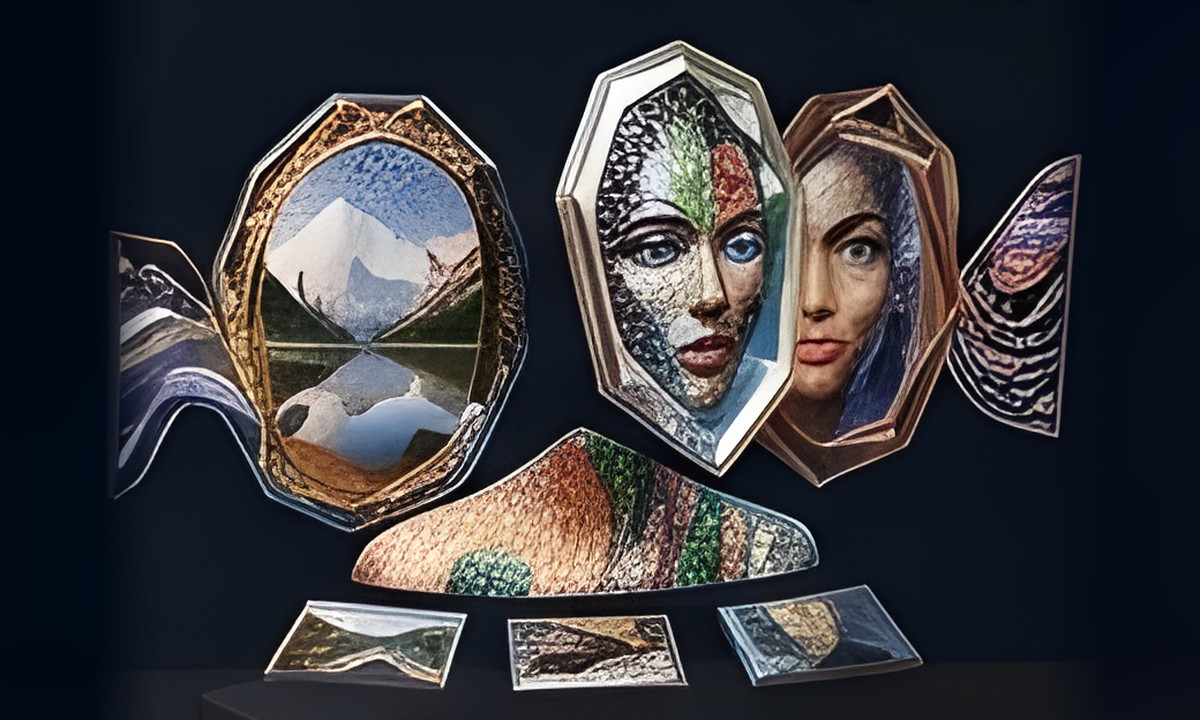
What you can do
- Art styles: anime, cartoon, oil painting, pencil sketch, watercolor, mosaic, pixel art
- Gulf looks: Emirati, Saudi, Kuwaiti, Omani, Qatari and Bahraini heritage, falconry, horses
- Tools: passport or ID photo, restore or colorize old photos, upscale, object removal
- New background from ten backdrops, change outfit or hairstyle, look younger or older
- Occasions: graduation, wedding, and Eid, Ramadan, Hajj, birthday, UAE National Day frames
- Merge two people in one photo, or a family portrait from your photo plus up to three more
How it works in three steps
- Open Photo styles, browse the cards or filter them by category, and pick the style you like.
- Tap “Try it on your photo”, pick a clear face photo, set any extra options that appear, then tap Transform.
- Drag across the image to compare before and after, then download or share the result.
Frequently asked questions
Is the tool free?
You need to sign in. A free account gets up to three transformations a day, and paid plans give you more. An attempt that fails because of a technical error does not count against your daily allowance.
Will the result still look like me?
The tool asks to keep your facial features and your whole photo uncropped, but some details may still differ. A clear, front-facing photo with good lighting helps get a closer result.
Can I make a passport or ID photo?
Yes. The passport or ID option reframes your head and shoulders on a plain white background with even lighting. It does not set official sizes, so check your issuing authority's requirements before printing.
Can I put two people or my family in one photo?
Yes. Choose Merge Two People in One Photo and add the second person's photo, or choose Unified Family Style and add up to three more photos of your family members.