Try new outfits on your photo with AI
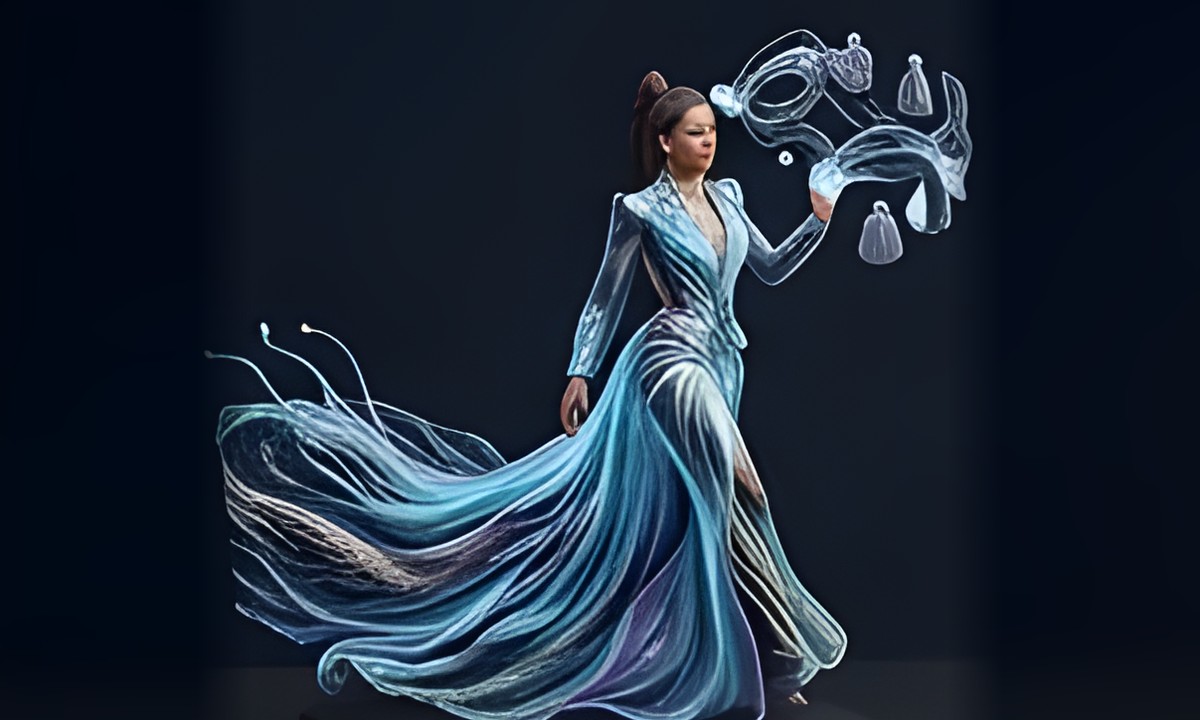
The om ai fashion studio redresses the person in your full-length photo in a new outfit while aiming to keep the pose and background, or designs a complete look from a description you write. Choose a category, an occasion and a style, from abaya, jalabiya and Emirati mukhawar to bisht and evening gowns.
Open the fashion studioSign-in required. Free accounts get up to three designs a day; each comparison look or edit counts as one design.
What you can do
- Change the outfit in your full-length photo while aiming to keep the pose and background
- No photo? Describe the outfit in words and get a head-to-toe design image
- Dozens of styles for women, men and kids, including abaya, kaftan, mukhawar and bisht
- Set the occasion, season and colors, and add a bag, watch, glasses or scarf
- Compare two or three styles side by side, or see one look from front, side and back
- Before-and-after slider in photo mode, one-detail edits, download or save to favorites
How it works in three steps
- Sign in, open the fashion studio and upload a clear head-to-toe photo, or switch to From description.
- Pick women, men or kids and an occasion; optionally set style, season, colors or accessories under Customize.
- Tap Generate design, drag to compare before and after in photo mode, edit one detail if needed, then download.
Frequently asked questions
Is the AI fashion tool free?
You need to sign in, and free accounts get up to three designs a day. Every successfully generated image counts, including each look in a comparison and each one-detail edit. The limit resets daily.
Will it keep my face and pose?
In photo mode the tool is told to keep the same person, pose, background and framing and change only the clothes. The result is checked; if the person looks changed, you get a message instead. Comparisons use a plain background. Use a clear full-length photo.
Can I design an outfit without a photo?
Yes. Switch to From description and write what you want, for example a long blue evening dress with embroidered sleeves. Your description comes first; the chosen style only fills in details you leave open.
Does it work for men and children?
Yes. Pick women, men or kids and the styles change to match, such as bisht and three-piece suit for men, or Eid and school outfits for children. Some styles, like the abaya and mukhawar, are for women only.